
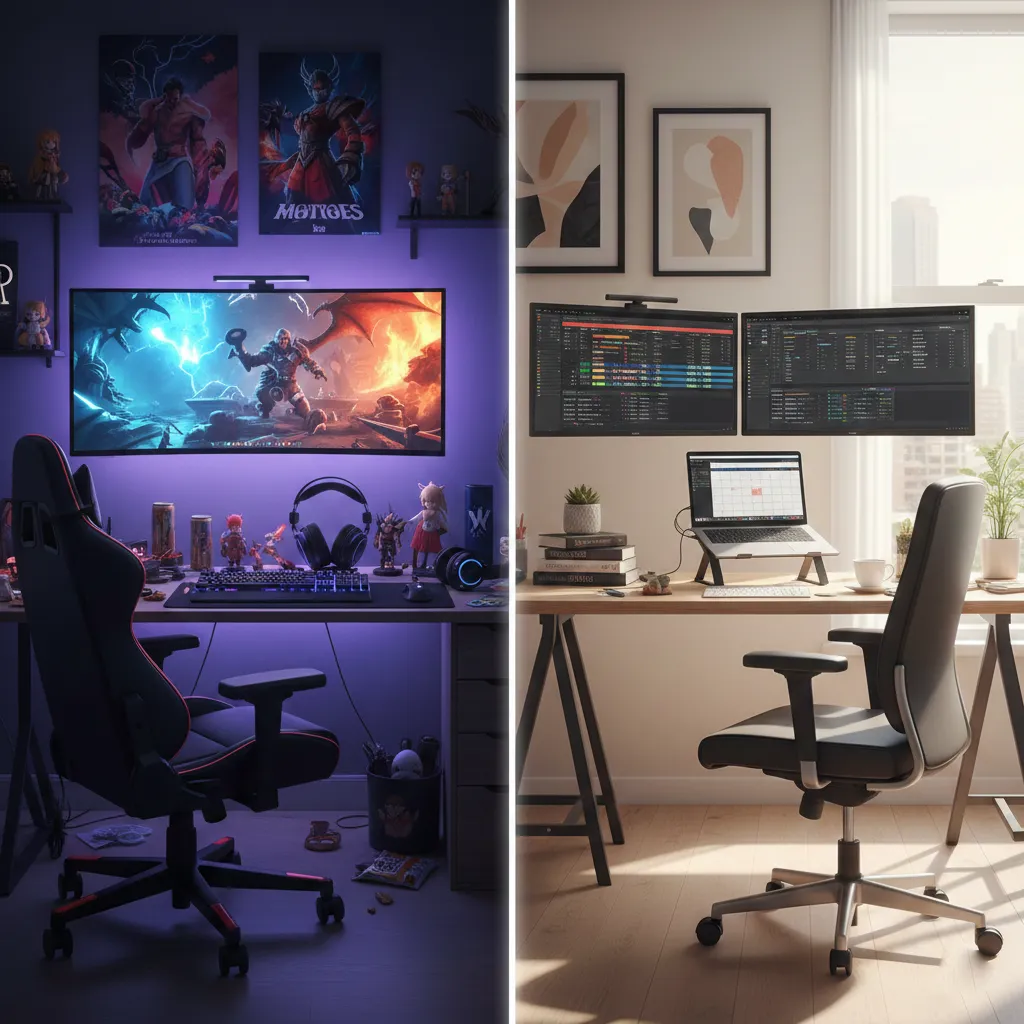
Gaming Chair vs Office Chair: Which One Fits Your Needs?
Choosing between a gaming chair and an office chair is one of the most common dilemmas for people setting up a home workspace or gaming station. Whether you’re a remote worker, student, content creator, or passionate gamer, the chair you choose directly affects your comfort, posture, productivity, and even long-term health.
In this in-depth comparison of gaming chair vs office chair, we’ll break down the differences, advantages, disadvantages, ergonomic factors, design elements, and long-term value — so you can confidently decide which option fits your specific needs.
Why Your Chair Choice Matters More Than You Think
Most people spend 6 to 10 hours per day sitting — sometimes even more. Poor seating can cause:
- Lower back pain
- Neck stiffness
- Shoulder strain
- Poor posture
- Reduced productivity
- Long-term spinal issues
That’s why choosing the right desk chair isn’t just about looks. It’s about support, adjustability, durability, and comfort over extended hours.
If you’re searching for the best chair for gaming, the best chair for working from home, or simply comparing ergonomic office chairs and gaming chairs, this guide will cover everything you need.
What Is a Gaming Chair?
A gaming chair is designed primarily for gamers and streamers who spend long hours at a desk or console setup. These chairs became popular with esports culture and streaming platforms.
Key Features of Gaming Chairs
1. Racing-Style Design
Gaming chairs are inspired by racing car seats. They typically feature:
- High backrests
- Bold colors (red, blue, neon accents)
- Bucket-style seat design
- Embroidered logos
- Aggressive, sporty look
This makes them visually appealing for gaming setups and streaming backgrounds.
2. Deep Recline Function
One of the most highlighted features is the wide reclining angle, often up to 135°–180°. Some models allow near-flat reclining, which is useful for:
- Short breaks
- Watching content
- Casual relaxation
If reclining deeply is important to you, this is a major advantage.
3. Headrest and Lumbar Pillows
Most gaming chairs include:
- Detachable neck pillow
- Adjustable lumbar cushion
These cushions are meant to support posture, although they are external add-ons rather than built-in ergonomic systems.
4. Adjustable Armrests
Higher-end gaming chairs may offer:
- 2D armrests (up/down)
- 3D armrests (up/down, forward/backward, rotate)
- 4D armrests (fully adjustable in multiple directions)
Pros of Gaming Chairs
- Stylish and eye-catching design
- Deep reclining options
- Good for casual relaxation
- Great aesthetic for gaming rooms
- Often include headrest and lumbar pillows
Cons of Gaming Chairs
- May prioritize looks over ergonomics
- Lumbar support is often pillow-based, not structured
- Seat cushions may flatten over time
- Not always ideal for 8+ hour workdays
- Bucket seat edges may restrict leg movement
What Is an Office Chair?
An office chair is specifically designed for long-term desk work. These chairs prioritize ergonomics, posture correction, and professional design.
If you’re searching for the best ergonomic chair for work, this category is usually the top recommendation.
Key Features of Office Chairs
1. Ergonomic Lumbar Support
Office chairs often include:
- Built-in lumbar curve
- Adjustable lumbar height
- Adjustable lumbar depth
This supports the natural curve of your spine — crucial for preventing back pain.
2. Breathable Materials
Most ergonomic office chairs use:
- Mesh backs for airflow
- Contoured foam seats
- High-density cushioning
Mesh backs help reduce sweating during long hours of sitting.
3. Multi-Adjustability
High-quality office chairs often allow:
- Seat height adjustment
- Seat depth adjustment
- Tilt tension control
- Armrest width/height adjustment
- Back tilt lock
These features allow personalized ergonomic alignment.
4. Professional Design
Office chairs typically have:
- Minimalist design
- Neutral colors (black, grey, white)
- Clean aesthetic
They fit well in corporate environments and home offices.